What email signature analytics measure
Your signature goes out in every email you send, often hundreds a week. Email signature tracking shows whether anyone acts on it. The SignTry dashboard counts link clicks on every link in your signature and breaks them down so you can see what is working.
| Report | What it tells you |
|---|---|
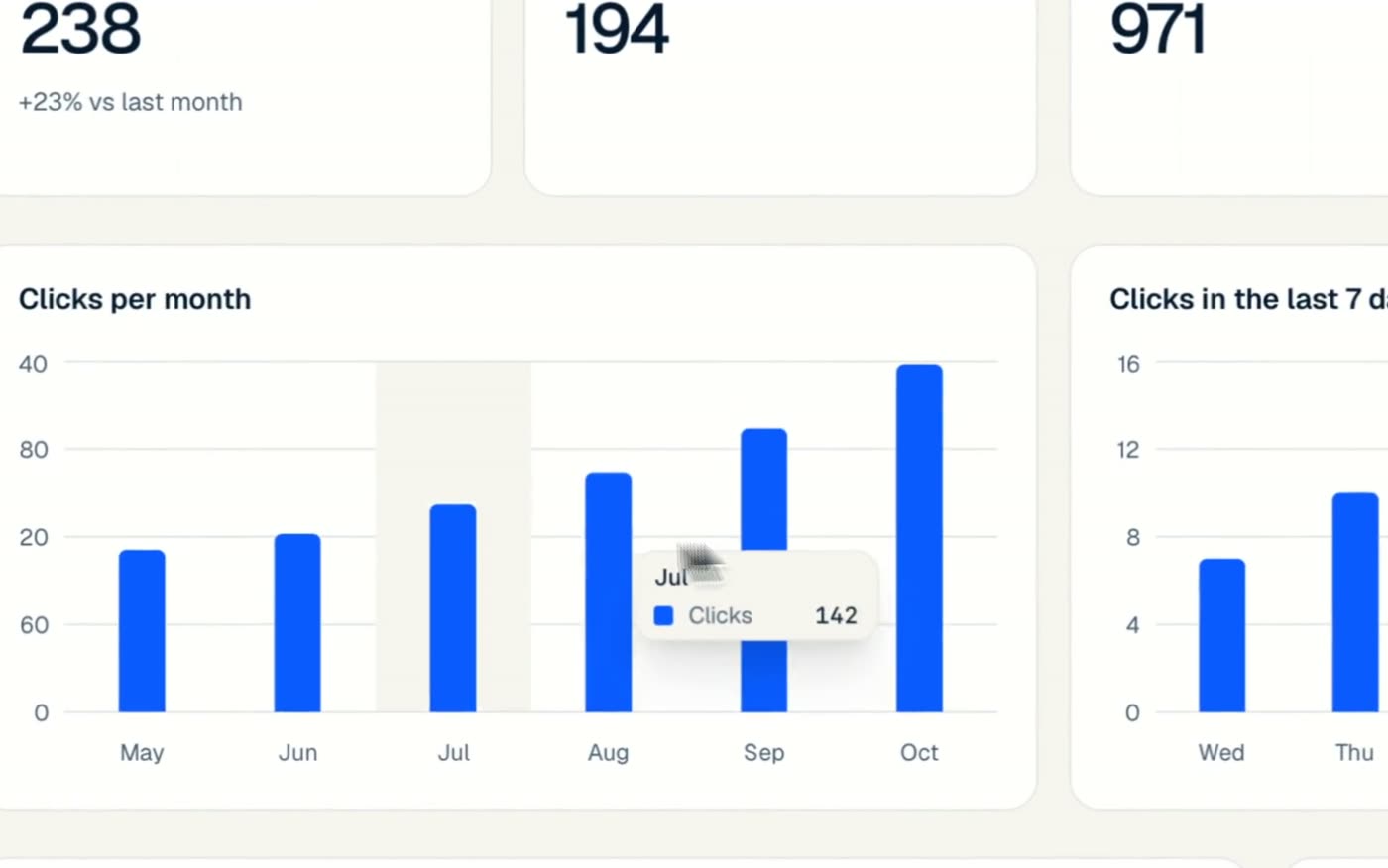
| This month, last month, all time | Total clicks, with the change versus last month |
| Clicks per month | A six-month trend so you can spot growth or drop-offs |
| Clicks in the last 7 days | Which weekdays your signature gets the most attention |
| Clicks by link | How each link performs: website, LinkedIn, booking button and more |
| Monthly goal | Your progress toward a click target you set |
How to use your signature data
- Move your best link first. If “Book a call” gets three times the clicks of your website, make it the button.
- Test one change at a time. Swap your banner or call to action, then compare next month's clicks.
- Compare people on your team. Filter by signature to see which layouts and titles get the most engagement.
- Set a monthly goal. The goal tracker shows your progress, for example 238 of 325 clicks.
A booking button is usually the most-clicked link in a signature. If you sell anything, add one and watch the “Clicks by link” report.
Included in every team plan
Many tools only unlock email signature analytics on their most expensive plans. With SignTry, analytics are part of every team plan from 5 signatures up. See pricing.