Quick answer: Use a web-safe font such as Arial, Helvetica, Verdana, Georgia or Tahoma, at 14–16px for your name and 12–14px for everything else. Custom fonts, including handwritten signature fonts, usually fall back to a default in Gmail and Outlook, so add those as an image instead.
12 best fonts for email signatures
| Font | Style | Why use it |
|---|---|---|
| Arial | Sans-serif | Clean, neutral, readable everywhere. The safest choice. |
| Helvetica | Sans-serif | Classic and modern. Falls back to Arial on Windows. |
| Verdana | Sans-serif | Wide letters, very readable at small sizes. |
| Tahoma | Sans-serif | Compact version of Verdana. Good for long titles. |
| Trebuchet MS | Sans-serif | A little personality without losing readability. |
| Calibri | Sans-serif | Outlook’s default. Not installed on every Mac. |
| Segoe UI | Sans-serif | Windows system font. Use with an Arial fallback. |
| Georgia | Serif | Elegant and readable on screens. Great for law and finance. |
| Times New Roman | Serif | Traditional and formal. Can look dated. |
| Garamond | Serif | Refined, bookish look. Available in Gmail. |
| Palatino | Serif | Warm serif for a classic feel. Mac and Windows have versions. |
| Courier New | Monospace | Typewriter style. Only for a deliberately techy look. |
Why web-safe fonts matter in email signatures
Email apps do not download fonts the way websites do. If you use a font the recipient does not have installed, their email app quietly swaps it for a default, often Times New Roman, and your carefully designed signature looks broken. Web-safe fonts are installed on almost every computer and phone, so everyone sees what you see.
Apple Mail and the iPhone can show some web fonts; Gmail and Outlook on Windows generally cannot. Always set a fallback, for example font-family: Helvetica, Arial, sans-serif.
The best font size and style for an email signature
- Name: 14–16px, bold.
- Title, company and contact details: 12–14px, regular.
- Disclaimers: 10–11px, gray.
- One font, two weights. Bold for your name, regular for the rest. Two fonts at most.
- Dark gray or your brand color for text, not pure black, for a softer look.
More sizing advice is in our email signature size guide.
Fonts available in Gmail signatures
The Gmail signature editor offers a fixed list: Sans Serif, Serif, Fixed Width, Wide, Narrow, Comic Sans MS, Garamond, Georgia, Tahoma, Trebuchet MS and Verdana. Stick to these and your Gmail signature will look the same for everyone. See our Gmail signature guide to set it up.
Signature fonts that look handwritten
Searching for a font that looks like a signature? Script fonts such as Great Vibes, Dancing Script, Allura or Sacramento (all free on Google Fonts) look like real handwriting. The catch: they are not installed on your recipients' devices, so typed in a script font, your signature will show as plain text.
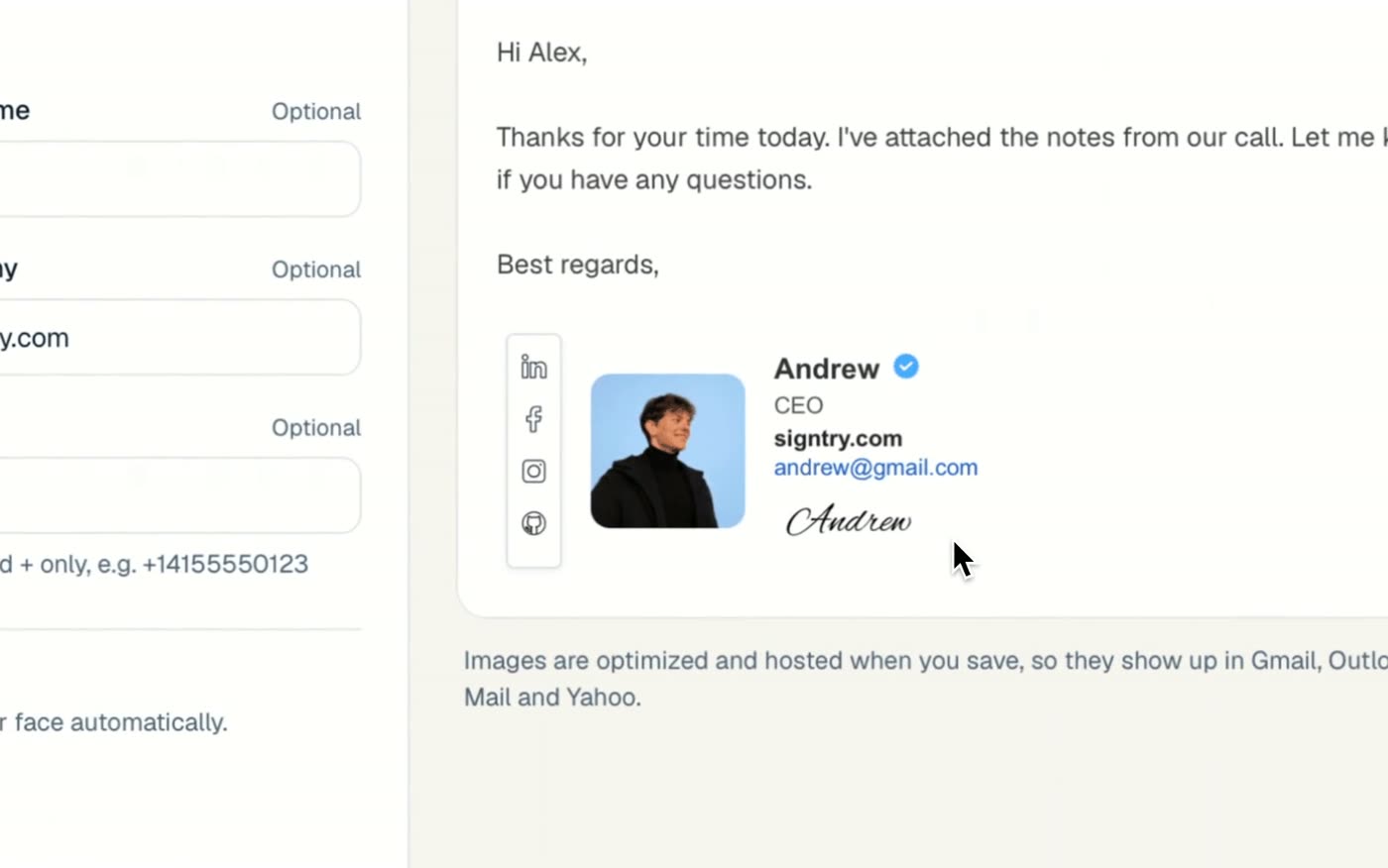
The fix is to use the handwriting as an image. SignTry does this for you: turn on Add a handwritten signature in the Branding step and it is generated from your name, readable on light and dark backgrounds, and hosted so it shows up in every inbox.
Font pairings that work in email signatures
| Name | Details | Feels |
|---|---|---|
| Georgia bold | Arial | Professional and trustworthy (legal, finance) |
| Helvetica bold | Helvetica | Modern and clean (tech, startups) |
| Trebuchet MS bold | Verdana | Friendly and approachable (education, healthcare) |
| Palatino bold | Georgia | Elegant (real estate, hospitality) |
Get the fonts right automatically
Writing a signature by hand in a settings box is fiddly: no photo cropping, no layout, and it looks different in every app. With SignTry's free email signature generator you pick a template, fill in your details, click Copy and paste it into the signature box above. Your photo and logo are hosted for you, so they show up for every recipient.