Quick answer: Keep your email signature under 600px wide and about 100–200px tall. Use a headshot around 80–120px square, a logo 30–60px tall and up to 200px wide, a banner up to 600×150px, and social icons 16–24px. Upload images at twice the display size so they look sharp on high-resolution screens.
Email signature size chart
| Element | Display size | Upload at (2×) | Best format |
|---|---|---|---|
| Whole signature | Up to 600px wide, 100–200px tall | — | — |
| Headshot photo | 80–120px square | 160–240px square | JPG |
| Company logo | 30–60px tall, up to 200px wide | 60–120px tall | PNG (transparent) |
| Banner | Up to 600×150px | Up to 1200×300px | JPG or PNG |
| Social media icons | 16–24px | 32–48px | PNG |
| Call-to-action button | About 120–180×32px | 2× display size | HTML button or PNG |
Overall email signature dimensions
Most email apps show messages in a column 600 to 800 pixels wide, and phones are narrower still. A signature up to 600px wide fits everywhere without wrapping. Aim for 100–200px tall: enough for a photo, four lines of text and a row of icons. Anything taller starts to feel like an advert.
Email signature photo size
Display your headshot at 80–120px square. Upload it at twice that size (for example 240×240px) so it stays crisp on Retina and high-DPI screens. Use a square crop with your face centered; SignTry crops it around your face automatically and lets you choose square, rounded or circle shapes.
Email signature logo size
A logo 30–60px tall and no wider than 200px is easy to recognize without overpowering your name. SignTry shows logos about 28px tall next to your details. Use a transparent PNG so it looks right on light and dark themes, and trim any empty space around it before uploading.
Email signature banner size
Banners promote an event, offer or new product under your signature. Keep them at most 600px wide and 150px tall; 600×100px is a common choice. Put the message in the image itself in large text, since many people only glance at it.
File size and image formats
- Keep each image under about 100KB, and the whole signature light, so emails load fast on mobile data.
- Use JPG for photos and PNG for logos and icons.
- Avoid SVG. Gmail and Outlook do not display SVG images in emails.
- Animated GIFs: classic Outlook for Windows shows only the first frame, so make sure it works as a still image.
- Host your images. Images embedded in the email often show up as attachments. SignTry hosts them for you.
Font size and signature length
Use 14–16px for your name and 12–14px for everything else, in a web-safe font like Arial, Helvetica, Verdana or Georgia. Keep the text to four or five lines. Gmail also limits signatures to 10,000 characters, which a signature with lots of formatting can hit; if Gmail says your signature is too long, simplify it or use hosted images.
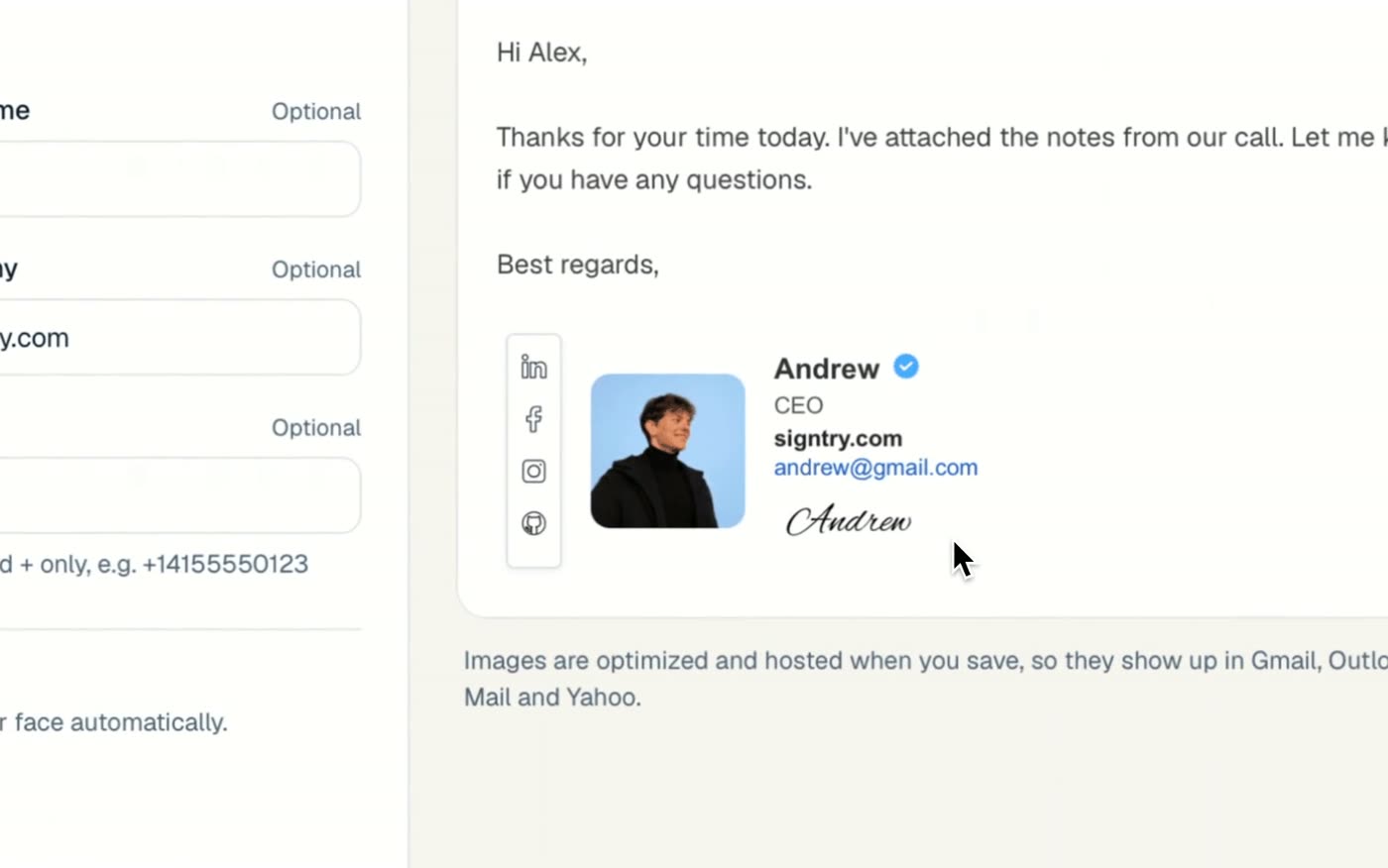
Get the sizes right automatically
SignTry resizes, crops and hosts every image for you, so your signature is the right size in every inbox without you opening an image editor. Try the free email signature generator.