How to create an email signature in 6 steps
The SignTry email signature generator walks you through six short steps. The preview updates as you type, and nothing is saved until the last step, so you can experiment freely.
- Template. Pick a layout by industry and style: side by side or stacked.
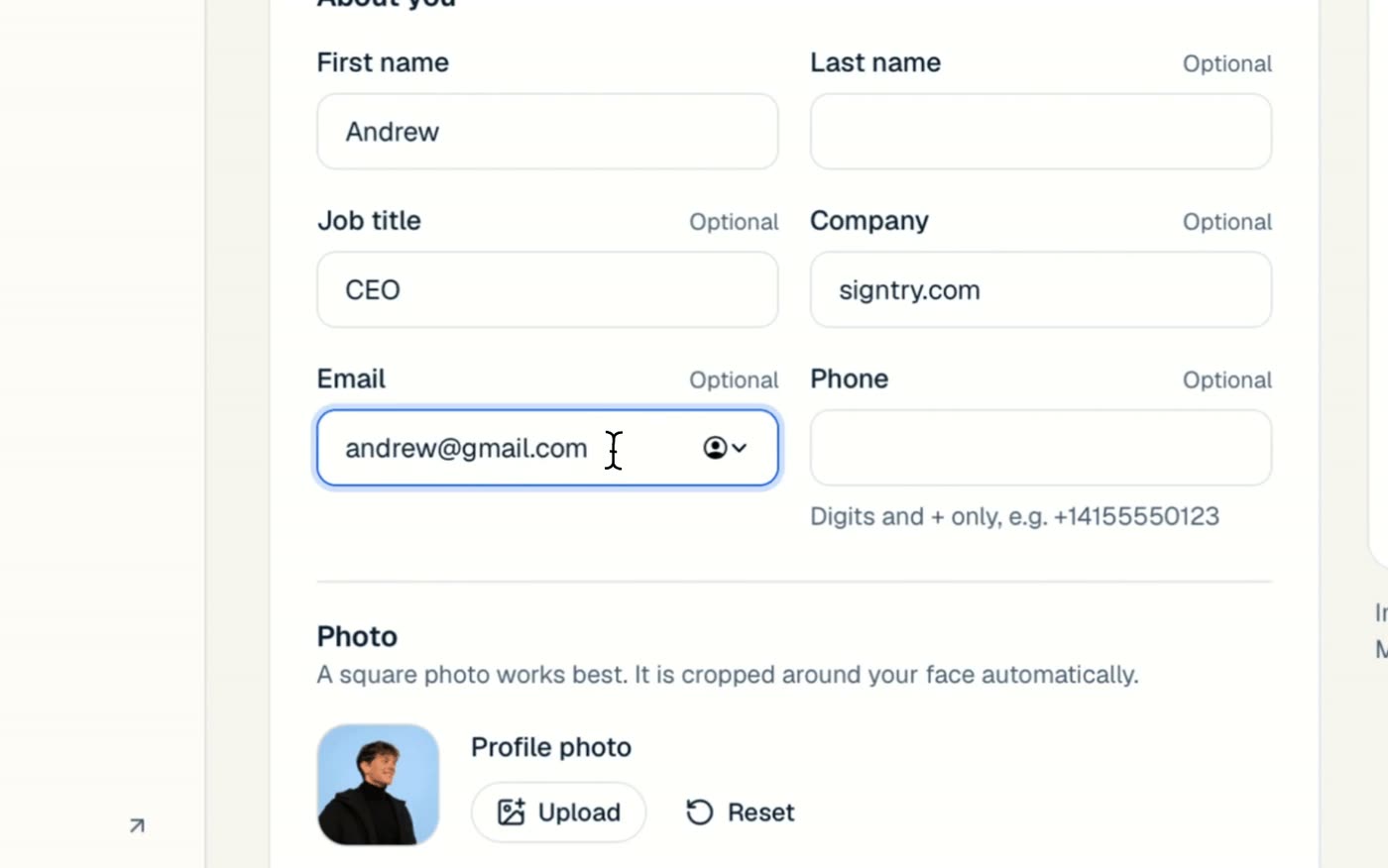
- Details. Your name, job title, company, email and phone. Only your first name is required; empty fields are left out.
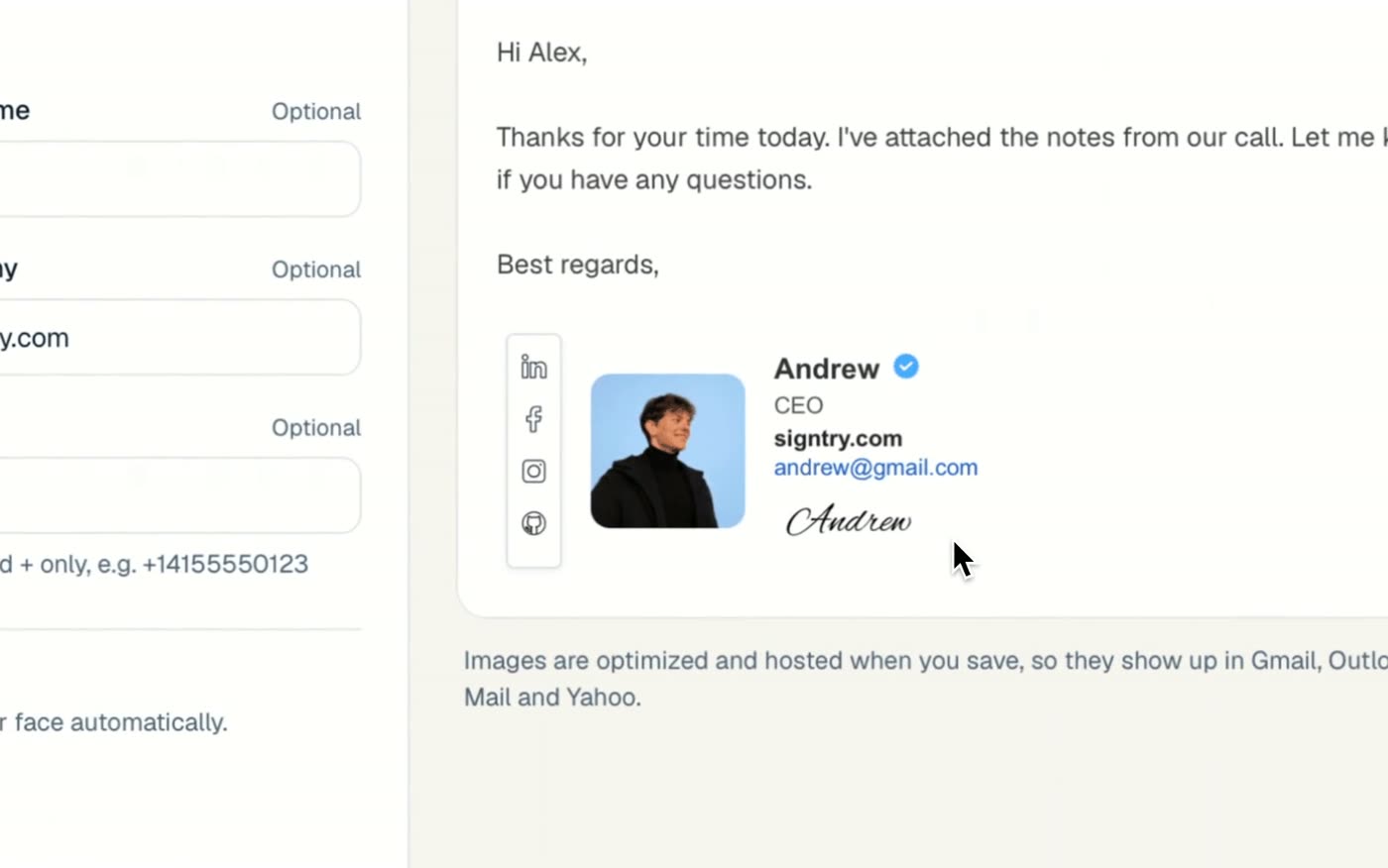
- Branding. Add a company logo, a banner, a verified badge and a handwritten signature.
- Links. Social icons, your website and a call-to-action button.
- Style. Colors, text and the size and shape of your photo.
- Save. Save it for yourself, or create one for every person on your team from a CSV.
How to add a logo to your email signature
Adding a logo is the fastest way to make a signature look official. In the Branding step, turn on Company logo and upload your file. Your logo is shown about 28 pixels tall, which is large enough to recognize and small enough not to dominate the email.
- Use a transparent PNG. It looks clean on both light and dark email themes.
- Crop away empty space around the logo before you upload it.
- Use the horizontal version of your logo if you have one. Wide logos read better at small sizes.
Logos, banners and photos are optimized and hosted when you save, so they actually appear in Gmail, Outlook, Apple Mail and Yahoo instead of turning into attachments.
Add a photo people will remember
A headshot makes your emails feel personal and helps people put a face to the name. Upload any photo; a square one works best, and SignTry crops it around your face automatically. In the Style step, choose its size and shape: square, rounded, soft or circle.
Social icons, links and a booking button
Turn your signature into the most-clicked link in your emails. Add icons for LinkedIn, Facebook, Instagram, WhatsApp and your website, plus a button such as Book a call that sends people straight to your calendar. Every link can be tracked with signature analytics.
Not sure which icons to include? Read our guide to social media icons for email signatures.
Ready to use it? Follow our step-by-step guides for Outlook, Gmail, iPhone and Apple Mail and Yahoo Mail.