Find the right template in seconds
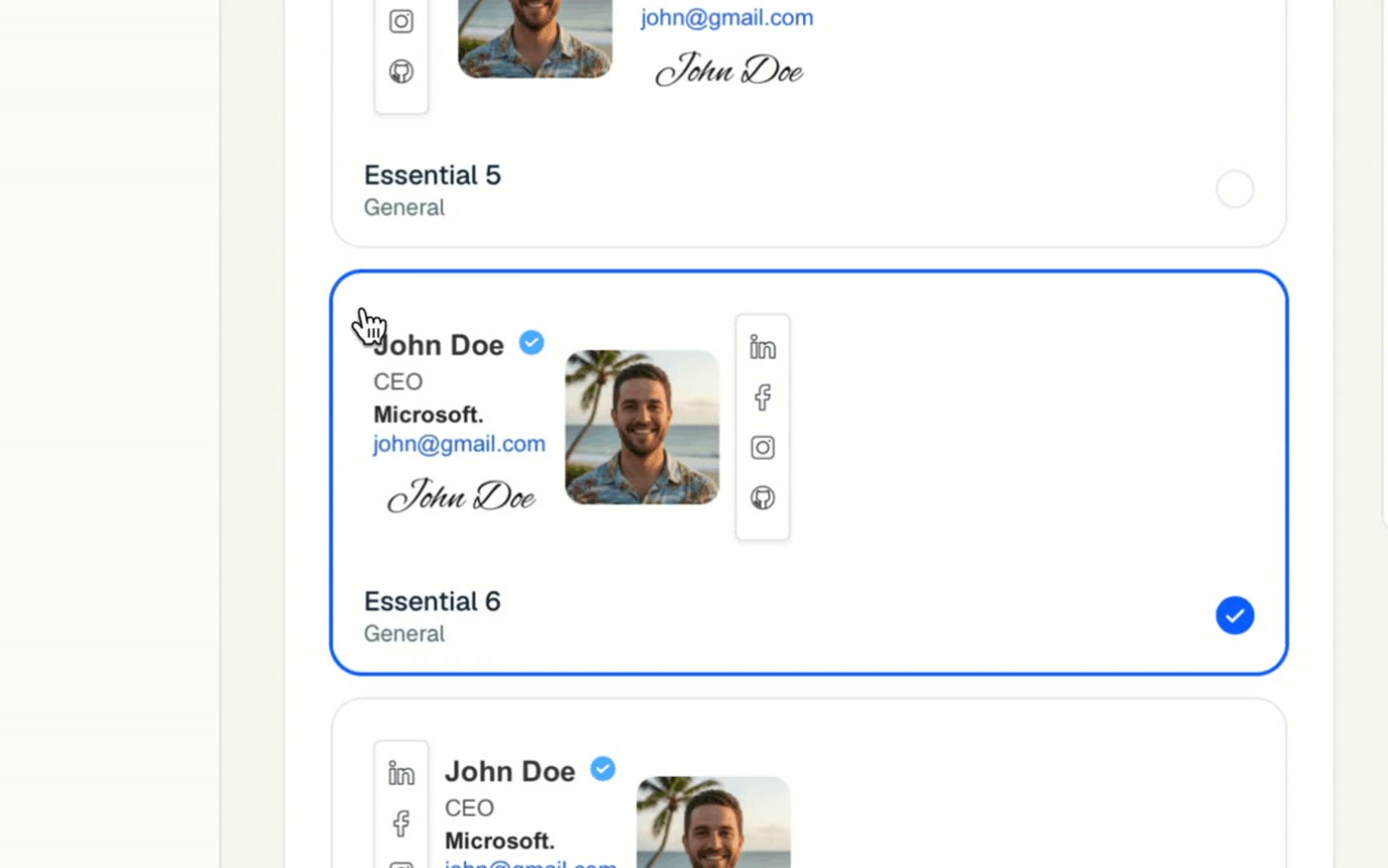
Most email signature templates look the same. Ours are grouped by the kind of work you do, so you start from a layout that already fits your industry instead of a blank page. Filter by industry, then by layout:
- Industries: General, Real estate, Marketing & agencies, Doctors & healthcare, Freelancers, Legal & finance, and Sales & corporate.
- Layouts: side by side (photo next to your details) or stacked (details above or below the photo).
Click a template and the live preview on the right shows it inside a real email, with your own name and details as soon as you type them.
Templates by industry
Every profession needs slightly different things in a signature. Here is what each template group puts first:
| Template group | What it highlights |
|---|---|
| Real estate | Headshot, brokerage logo, license number, listings link |
| Doctors & healthcare | Credentials, practice name, appointment booking link |
| Legal & finance | Firm name, title, office address, compliance note |
| Sales & corporate | Direct line, booking button, company logo |
| Marketing & agencies | Brand colors, banner, portfolio and social links |
| Freelancers | Photo, portfolio, rates or booking page |
| General | Clean layouts for anyone, including students and job seekers |
Want to see finished designs first? Browse our email signature examples, or jump straight to real estate, teacher and student examples.
What makes a good email signature template
A good template does three things: it tells people who you are, how to reach you, and what to do next. Everything else is decoration. When you pick one, check that it:
- Leads with your name. It should be the biggest, boldest line.
- Keeps contact details to two or three lines. Phone, email and website are usually enough.
- Uses one accent color. Match it to your logo or brand.
- Has room for one call to action, such as “Book a call” or a link to your listings.
- Stays under about 600 pixels wide, so it never wraps on a phone. Read more in our email signature size guide.
Tip: the simplest template is often the most professional. If you are unsure, pick a side-by-side layout with your photo, name, title and one link.
Change your template whenever you like
Your details are saved separately from the design, so switching templates never means retyping anything. Try a stacked layout for a week, then switch back to side by side. Your phone number, photo and links come along with you.